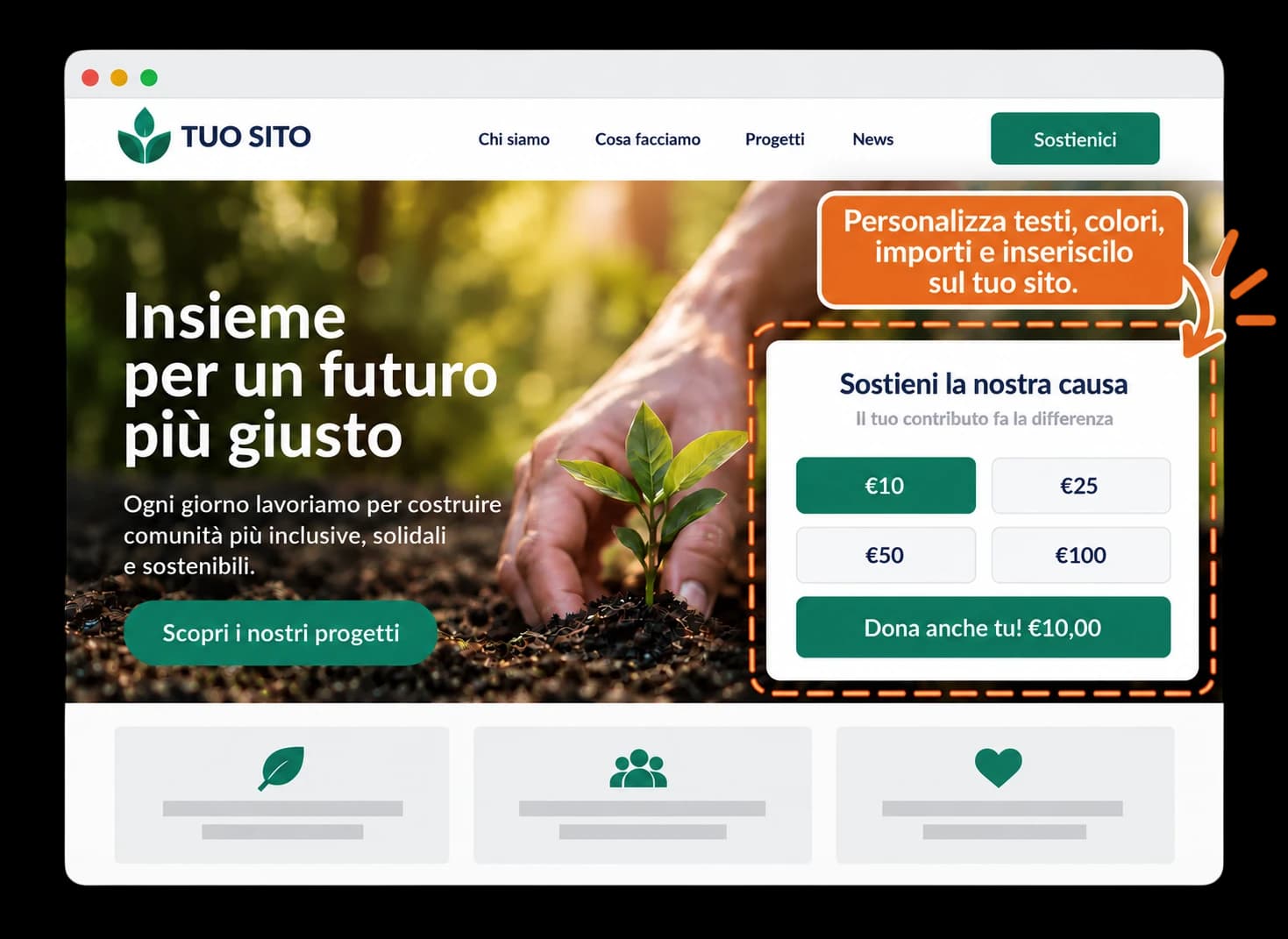
Your donation form, right on your website
With Connect you create a donation widget in your organisation's colours and place it on any web page. Anyone who wants to donate can do so without leaving your site.
- No plugins: just paste an HTML snippet
- Change amounts, texts and colours anytime, without touching the code
- Secure payments handled by Rete del Dono
- All your donors always available in your database
- Donor receipts handled by Rete del Dono
How it works
From your dashboard to your website in three steps. Try them below.
retedeldono.it/dashboard/connect
Widget Manager
Manage and retrieve your on-site donation tools
No widgets created yet.
Frequently asked questions
Bring donations to your website
Activate Connect from your organisation's dashboard and create your first widget.